Pre-production
See the sequence before you generate the sequence.
FoxCut Reel breaks a brief into directed shots, visualizes each frame, and carries approved storyboards into video generation without losing the decisions made in pre-production.
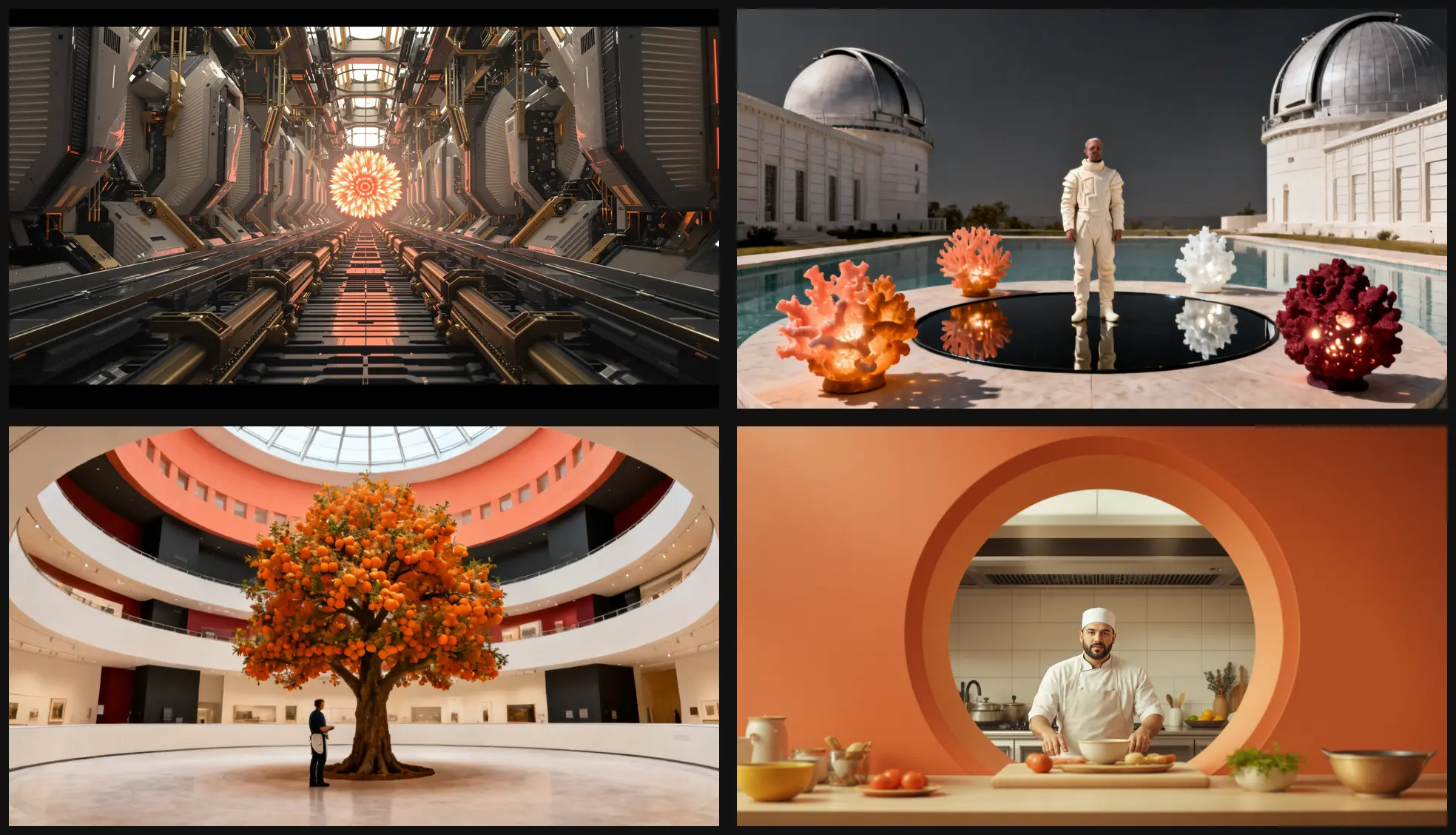
Core controls
What AI Storyboard Generator for Film and Video needs to control.
Shot-level planning
Define composition, camera movement, action, and duration for each beat.
Scene consistency
Carry characters, setting, visual style, and lighting across the complete board.
Generation handoff
Animate approved frames and pass completed shots into the timeline.
Practical planning
What to decide before using AI Storyboard Generator for Film and Video.
Break the brief into dramatic beats before asking for images. Each board frame should state its purpose, shot size, subject action, camera angle, continuity requirements, and the new information it contributes.
A storyboard is a decision document, not a gallery. Remove repeated coverage, protect screen direction and character geography, and only animate frames that earn a place in the planned sequence.
- Shot-level planning: Define composition, camera movement, action, and duration for each beat.
- Scene consistency: Carry characters, setting, visual style, and lighting across the complete board.
- Generation handoff: Animate approved frames and pass completed shots into the timeline.

Quality control
How to review a pre-production result.
Boards become incoherent when style and identity are reintroduced independently in every frame. Establish shared character, location, palette, time-of-day, and lens language at the sequence level, then describe only the shot-specific change.
A useful review follows the workflow in order: describe the story, then review the shot list, then generate the frames. Change one variable per comparison so the next render answers a specific question.
- Describe the story: Paste a concept, script, campaign brief, or sequence outline.
- Review the shot list: Adjust the framing, motion, duration, and prompt for each scene.
- Generate the frames: Create coherent keyframes, then animate the approved board.
How it works
A practical Pre-production workflow.
- Step 1
Describe the story
Paste a concept, script, campaign brief, or sequence outline.
- Step 2
Review the shot list
Adjust the framing, motion, duration, and prompt for each scene.
- Step 3
Generate the frames
Create coherent keyframes, then animate the approved board.
Built for real work
Use cases
- Film previsualization
- Advertisement planning
- Music-video treatments
- Creator story sequences
Continue exploring
Related FoxCut workflows
Questions to resolve
AI Storyboard Generator for Film and Video FAQ
What should I prepare before using AI Storyboard Generator for Film and Video?
Break the brief into dramatic beats before asking for images. Each board frame should state its purpose, shot size, subject action, camera angle, continuity requirements, and the new information it contributes. Start with paste a concept, script, campaign brief, or sequence outline.
How should I evaluate the result?
A storyboard is a decision document, not a gallery. Remove repeated coverage, protect screen direction and character geography, and only animate frames that earn a place in the planned sequence. Review the output against the intended use, not against a vague idea of visual quality.
What is the most common failure to watch for?
Boards become incoherent when style and identity are reintroduced independently in every frame. Establish shared character, location, palette, time-of-day, and lens language at the sequence level, then describe only the shot-specific change.
Make the shot. Keep the vision.
Move from prompt to directed generation with camera, character, reference, model, and workflow controls in one studio.
Build a storyboard