AI Director
Direct the sequence, not just a single clip.
FoxCut AI Director interprets a brief as a shot plan. It proposes cinematic coverage, assigns camera direction, preserves the visual idea across beats, and gives you control before generation spend begins.
Core controls
What AI Video Director and Multi-Shot Scene Generator needs to control.
Automatic shot planning
Break a script or brief into establishing, medium, close, insert, and transition coverage.
Directed movement
Match camera motion and duration to the purpose and energy of each shot.
Review before rendering
Edit the plan, estimate the cost, and approve individual shots before generation.
Practical planning
What to decide before using AI Video Director and Multi-Shot Scene Generator.
Write the scene as a sequence objective: what changes, what the audience should understand or feel, which characters and locations persist, and how much screen time the complete beat can use.
Review coverage before renders. An establishing shot, medium action, close detail, reaction, and transition each answer different editorial needs; remove angles that repeat information and add the shot the cut actually lacks.
- Automatic shot planning: Break a script or brief into establishing, medium, close, insert, and transition coverage.
- Directed movement: Match camera motion and duration to the purpose and energy of each shot.
- Review before rendering: Edit the plan, estimate the cost, and approve individual shots before generation.
Quality control
How to review a ai director result.
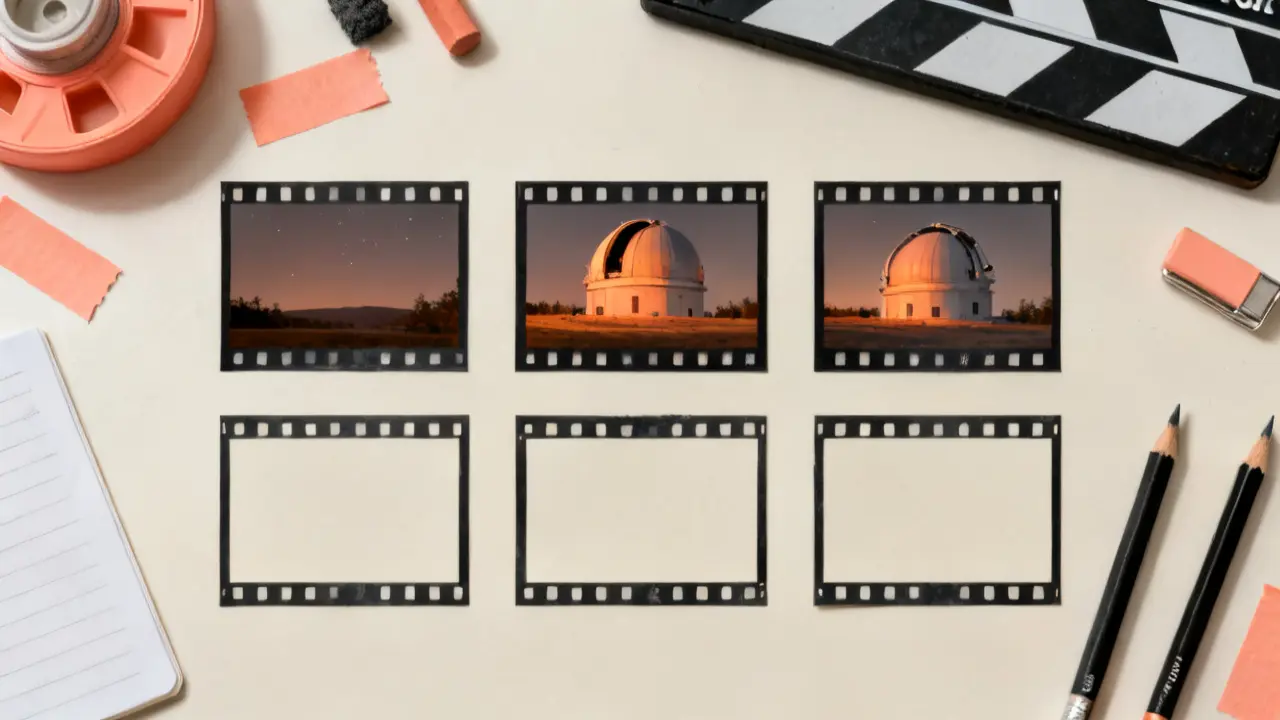
A collection of individually strong clips can still fail as a sequence. Inspect eyelines, screen direction, wardrobe, environment, light, pacing, and entry and exit frames across adjacent shots before approving the plan.
A useful review follows the workflow in order: write the brief, then review the coverage, then generate the sequence. Change one variable per comparison so the next render answers a specific question.
- Write the brief: Describe the story, campaign, scene, subject, and intended tone.
- Review the coverage: Adjust shot prompts, camera moves, pacing, and duration.
- Generate the sequence: Render shots individually and assemble successful results in the timeline.
How it works
A practical AI Director workflow.
- Step 1
Write the brief
Describe the story, campaign, scene, subject, and intended tone.
- Step 2
Review the coverage
Adjust shot prompts, camera moves, pacing, and duration.
- Step 3
Generate the sequence
Render shots individually and assemble successful results in the timeline.
Built for real work
Use cases
- Short films
- Commercial coverage
- Narrative campaigns
- Music-video sequences
Continue exploring
Related FoxCut workflows
Questions to resolve
AI Video Director and Multi-Shot Scene Generator FAQ
What should I prepare before using AI Video Director and Multi-Shot Scene Generator?
Write the scene as a sequence objective: what changes, what the audience should understand or feel, which characters and locations persist, and how much screen time the complete beat can use. Start with describe the story, campaign, scene, subject, and intended tone.
How should I evaluate the result?
Review coverage before renders. An establishing shot, medium action, close detail, reaction, and transition each answer different editorial needs; remove angles that repeat information and add the shot the cut actually lacks. Review the output against the intended use, not against a vague idea of visual quality.
What is the most common failure to watch for?
A collection of individually strong clips can still fail as a sequence. Inspect eyelines, screen direction, wardrobe, environment, light, pacing, and entry and exit frames across adjacent shots before approving the plan.
Make the shot. Keep the vision.
Move from prompt to directed generation with camera, character, reference, model, and workflow controls in one studio.
Direct a sequence