Animate a frame
Make the frame move without losing the frame.
Upload a photograph, generated image, keyframe, product shot, or character reference. FoxCut uses it as the visual anchor while you direct how the camera and scene should move.
Core controls
What Image to Video AI Generator needs to control.
Composition preservation
Keep the source identity, styling, framing, and important scene geometry recognizable.
Physical camera language
Direct actual camera travel, rotation, reveal, focus, or handheld behavior.
End-frame control
Use a second frame when the selected model supports a defined destination.
Prompt direction
Start with a shot brief, not a keyword pile.
“The camera performs a slow clockwise orbit while the subject remains perfectly centered; hair and fabric move gently in the wind; background lights create natural parallax.”
Practical planning
What to decide before using Image to Video.
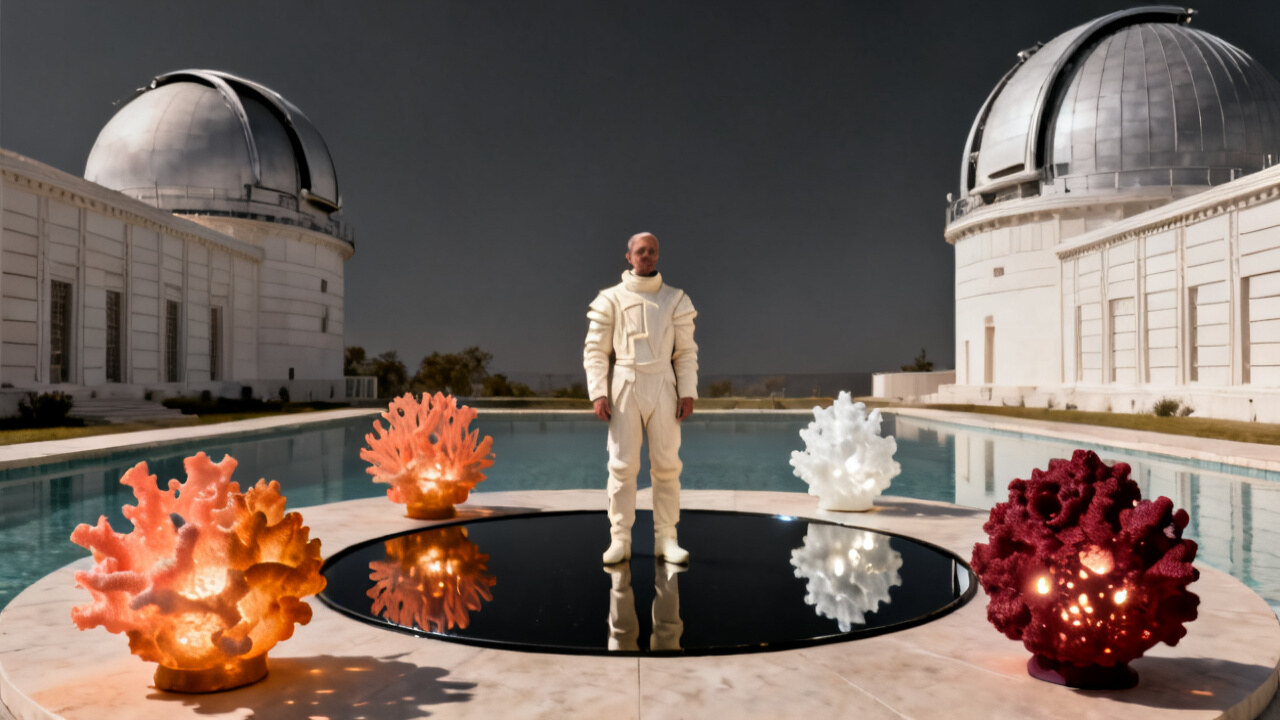
The source image already fixes identity, framing, lighting, and implied geometry. Select a movement that the frame can support: visible depth for a dolly, surrounding space for an orbit, and a clear foreground threshold for a push-through.
Write two separate instructions: what the camera does and what the subject does. Protect the source attributes that matter—face, product shape, wardrobe, horizon, or background—and give secondary motion such as hair or fabric a restrained role.
- Composition preservation: Keep the source identity, styling, framing, and important scene geometry recognizable.
- Physical camera language: Direct actual camera travel, rotation, reveal, focus, or handheld behavior.
- End-frame control: Use a second frame when the selected model supports a defined destination.
Quality control
How to review a animate a frame result.
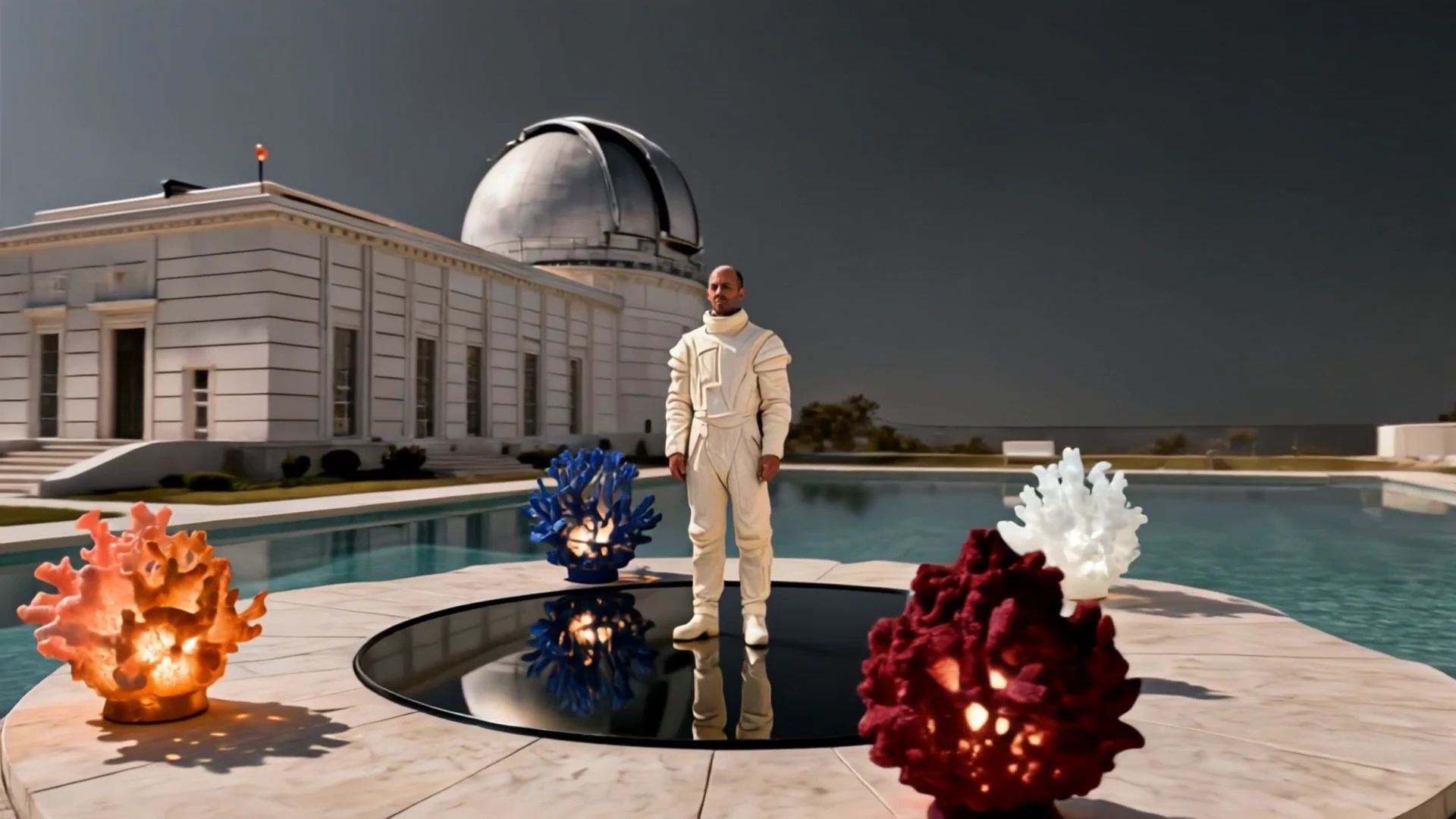
Strong motion can cause the model to redraw the source instead of animate it. Reduce the movement strength, shorten the path, protect the anchor explicitly, or choose a route with endpoint guidance when the destination composition is non-negotiable.
A useful review follows the workflow in order: upload a keyframe, then choose movement, then render variations. Change one variable per comparison so the next render answers a specific question.
- Upload a keyframe: Use a sharp source with a clear subject and enough spatial information for the motion.
- Choose movement: Match camera direction to the depth and composition already present in the image.
- Render variations: Adjust strength, duration, and model while keeping the creative anchor fixed.
How it works
A practical Animate a frame workflow.
- Step 1
Upload a keyframe
Use a sharp source with a clear subject and enough spatial information for the motion.
- Step 2
Choose movement
Match camera direction to the depth and composition already present in the image.
- Step 3
Render variations
Adjust strength, duration, and model while keeping the creative anchor fixed.
Built for real work
Use cases
- Product photography animation
- Character shots
- Campaign key visuals
- Storyboard-to-video conversion
Continue exploring
Related FoxCut workflows
Questions to resolve
Image to Video AI Generator FAQ
What should I prepare before using Image to Video AI Generator?
The source image already fixes identity, framing, lighting, and implied geometry. Select a movement that the frame can support: visible depth for a dolly, surrounding space for an orbit, and a clear foreground threshold for a push-through. Start with use a sharp source with a clear subject and enough spatial information for the motion.
How should I evaluate the result?
Write two separate instructions: what the camera does and what the subject does. Protect the source attributes that matter—face, product shape, wardrobe, horizon, or background—and give secondary motion such as hair or fabric a restrained role. Review the output against the intended use, not against a vague idea of visual quality.
What is the most common failure to watch for?
Strong motion can cause the model to redraw the source instead of animate it. Reduce the movement strength, shorten the path, protect the anchor explicitly, or choose a route with endpoint guidance when the destination composition is non-negotiable.
Make the shot. Keep the vision.
Move from prompt to directed generation with camera, character, reference, model, and workflow controls in one studio.
Animate an image