AI image studio
Build the image, the look, and the visual system.
Every frame on purpose.
FoxCut turns image generation into an art-directed workflow. Combine a detailed scene brief with visual references, reusable identities, style strength, and output controls for images that belong to the same world.

Core controls
One image.
A world of direction.
01
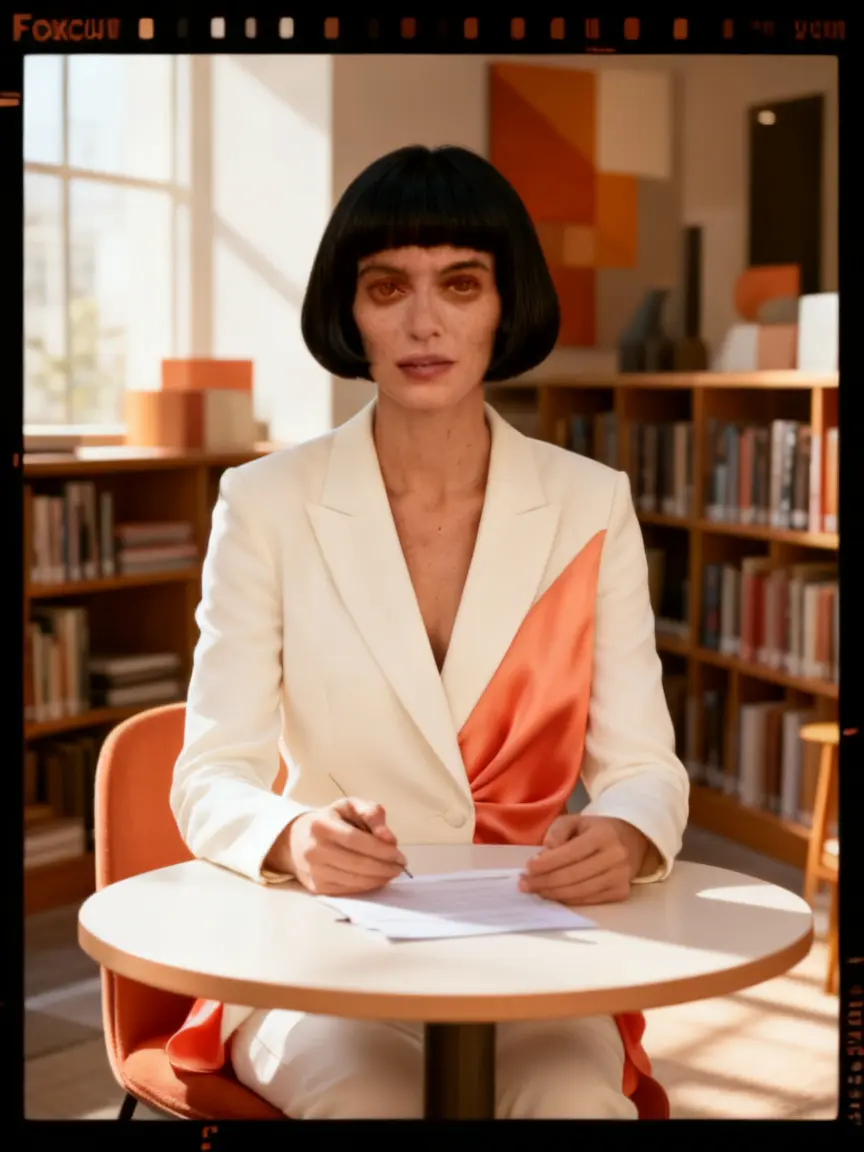
Reusable identities
Bring the same character into new scenes, compositions, outfits, and campaigns.
02
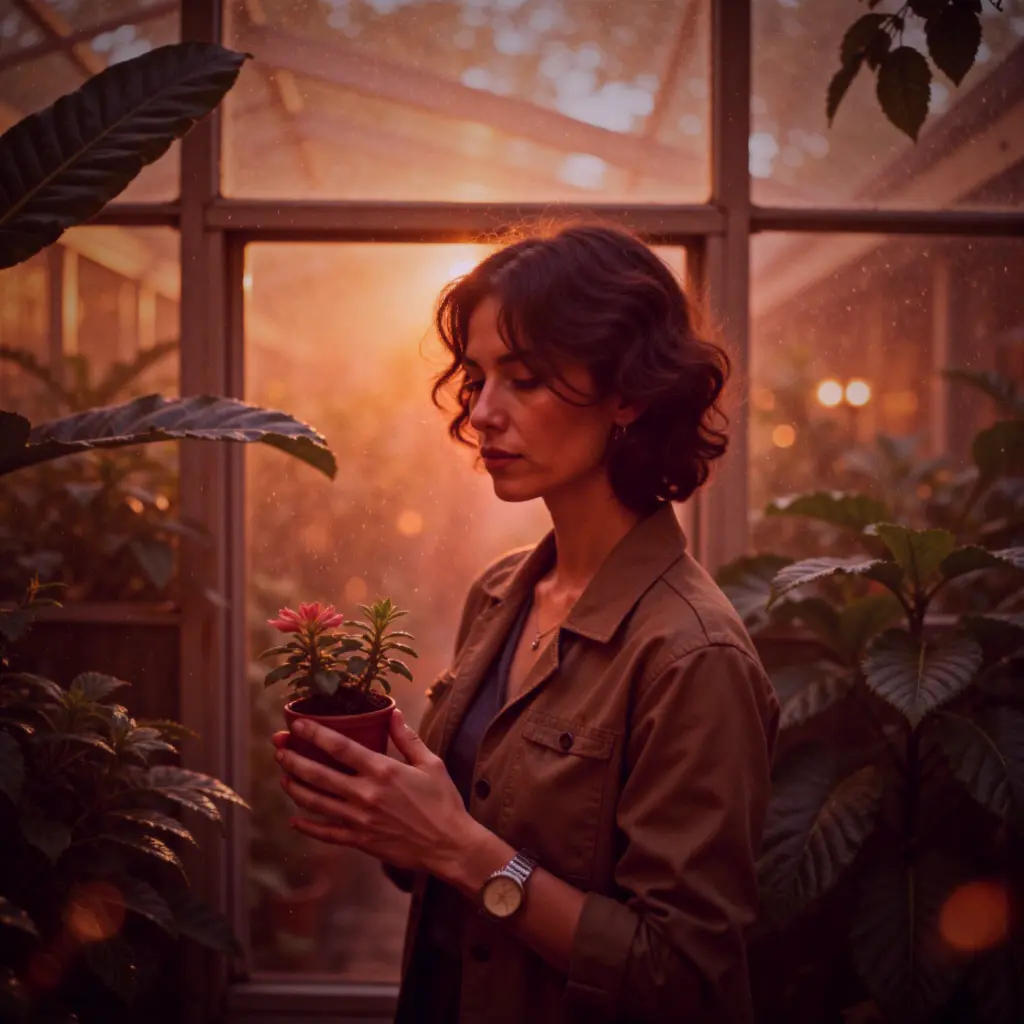
Reference-led art direction
Guide composition, styling, subject, and visual tone with selected reference images.
03
Distinctive looks
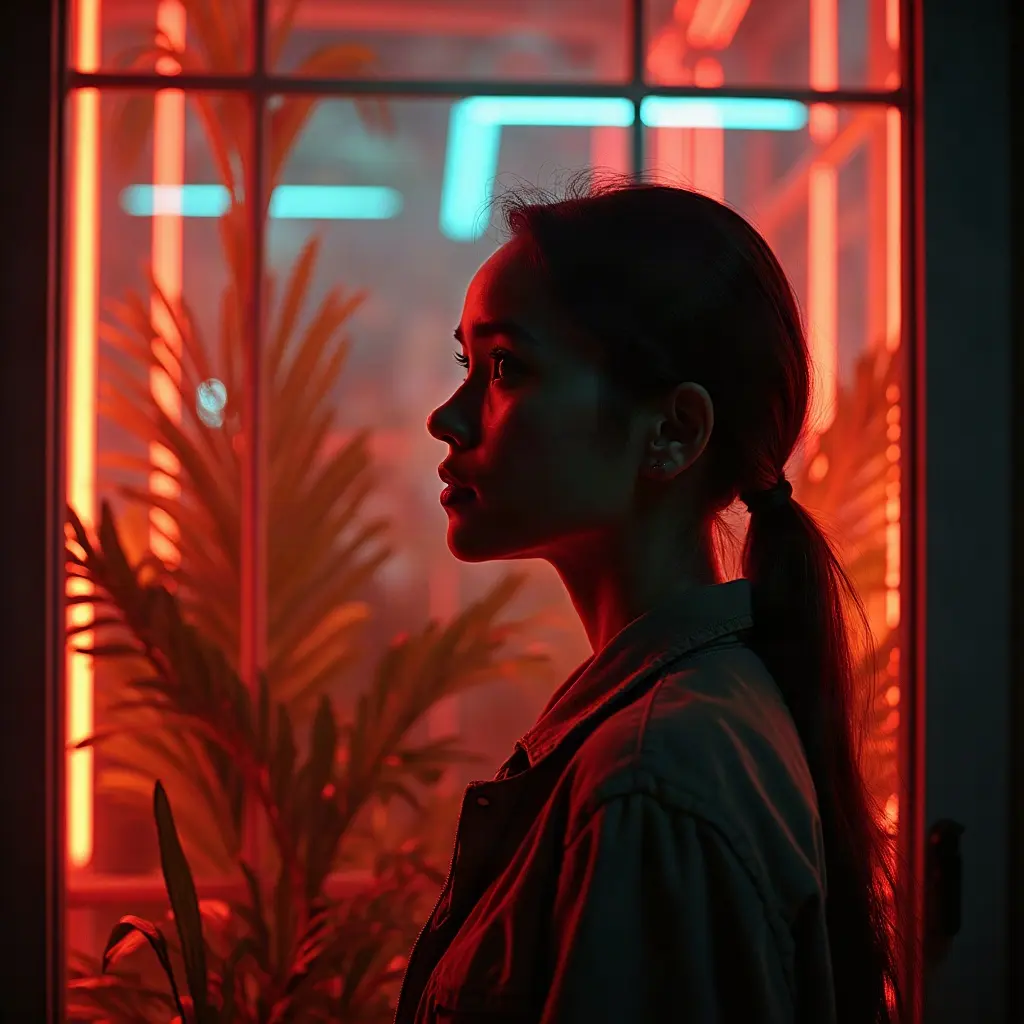
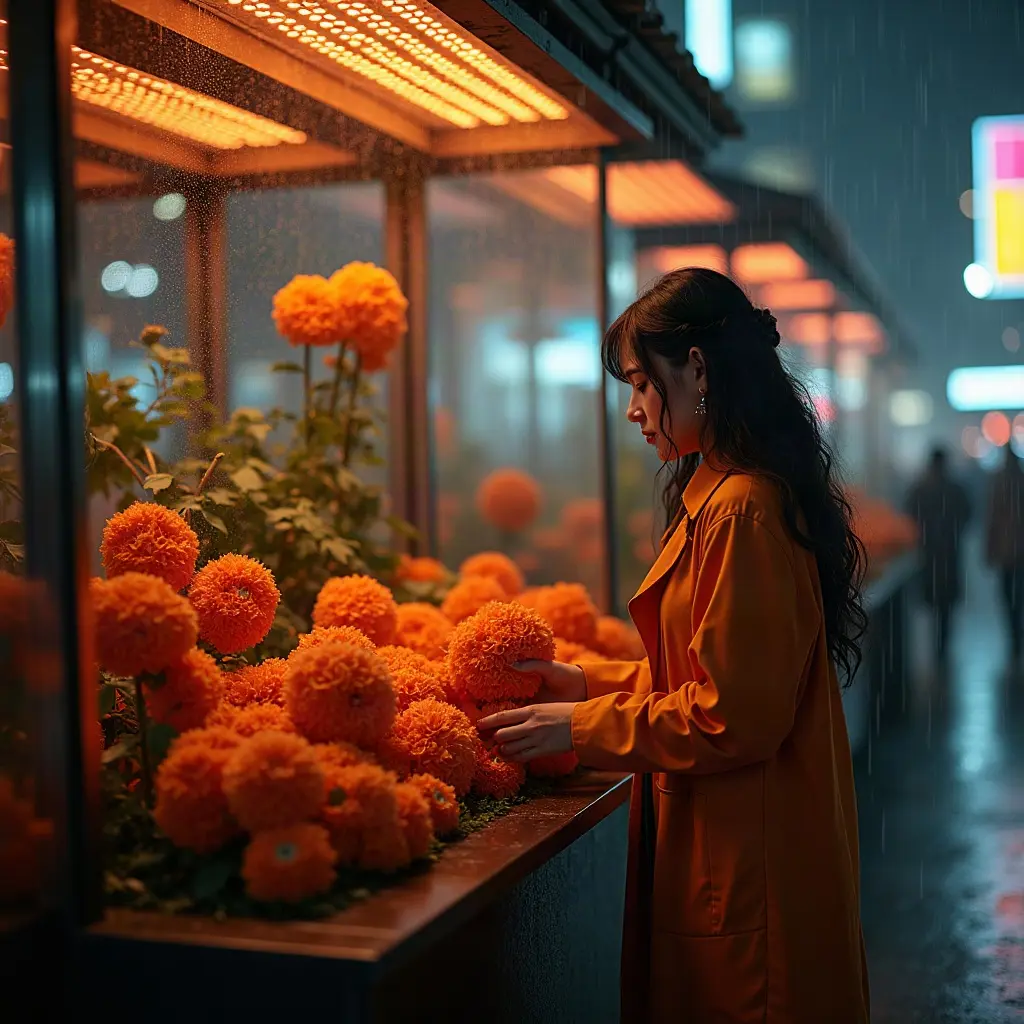
Control style strength across cinematic, editorial, analog, neon, and custom directions.
Prompt direction
Start with a shot brief.
“Editorial portrait of a sculptor in a limestone workshop, oversized camel coat, soft north-window light, muted mineral palette, medium-format film texture, restrained luxury campaign.”
Practical planning
What to decide before using AI Image Generator with Character Consistency.
Define the image as a production asset: intended channel, subject, composition, crop, lighting, material detail, and relationship to the rest of the series. This prevents a visually appealing frame that cannot serve the campaign or sequence.
Separate identity references from style references. Identity should govern recognizable features; style should govern palette, texture, lighting, and art direction. When the two conflict, reduce the style strength before adding more prompt language.
- Reusable identities: Bring the same character into new scenes, compositions, outfits, and campaigns.
- Reference-led art direction: Guide composition, styling, subject, and visual tone with selected reference images.
- Distinctive looks: Control style strength across cinematic, editorial, analog, neon, and custom directions.
Quality control
How to review a ai image studio result.
Series drift usually begins when every new image is prompted from scratch. Reuse approved outputs and reference settings, preserve non-negotiable details, and vary one dimension—pose, location, crop, or lighting—at a time.
A useful review follows the workflow in order: describe the frame, then add direction, then build a visual series. Change one variable per comparison so the next render answers a specific question.
- Describe the frame: Define the subject, environment, wardrobe, lighting, composition, and intended mood.
- Add direction: Choose a model, identity, references, look, aspect ratio, and output count.
- Build a visual series: Reuse successful images as references for a coherent body of work.
How it works
From a frame to a visual series.
- Step / 01
Describe the frame
Define the subject, environment, wardrobe, lighting, composition, and intended mood.
- Step / 02
Add direction
Choose a model, identity, references, look, aspect ratio, and output count.
- Step / 03
Build a visual series
Reuse successful images as references for a coherent body of work.
Built for real work
Use cases
- Campaign stills
- Character development
- Product photography
- Pitch decks and visual treatments
Continue exploring
Keep creating.
A few details
Image generation FAQ
What should I prepare before using AI Image Generator with Character Consistency?
Define the image as a production asset: intended channel, subject, composition, crop, lighting, material detail, and relationship to the rest of the series. This prevents a visually appealing frame that cannot serve the campaign or sequence. Start with define the subject, environment, wardrobe, lighting, composition, and intended mood.
How should I evaluate the result?
Separate identity references from style references. Identity should govern recognizable features; style should govern palette, texture, lighting, and art direction. When the two conflict, reduce the style strength before adding more prompt language. Review the output against the intended use, not against a vague idea of visual quality.
What is the most common failure to watch for?
Series drift usually begins when every new image is prompted from scratch. Reuse approved outputs and reference settings, preserve non-negotiable details, and vary one dimension—pose, location, crop, or lighting—at a time.
Your next frame
Make the shot.
Keep the vision.
Move from prompt to directed generation with character, reference, model, and style controls in one studio.