Evidence-backed prompt method
Write the path, protect the anchor, define the landing.
A useful AI video camera prompt describes what physically moves, what must remain stable, which scene geometry proves the move happened, and how the shot should end. It reads like a compact shot brief—not a list of cinematic adjectives.
Evidence basis: This method was compiled from 12 generated FoxCut camera studies with recorded prompts, measured durations, visible review notes, and failure corrections. It is not a claim that every model follows the same syntax.
The six-part camera prompt
Name physical behavior
Say whether the camera travels, rotates, changes focal length, changes focus, rolls, or stays locked. A dolly is not a zoom, and subject rotation is not a camera orbit.
Protect one anchor
Identify what must remain centered, still, recognizable, level, or fixed. The anchor gives you a stable reference for evaluating the requested movement.
Build visible depth
Foreground, subject, and background layers make translation and parallax measurable. Without depth cues, real travel can collapse into a flat pan or digital scale change.
Define the landing
State the ending shot size, angle, revealed information, or focus plane. A move without a destination often drifts or stops at an arbitrary composition.
Separate subject motion
Describe camera behavior and subject behavior independently. This is especially important for turntables, bullet time, timelapse, and locked-subject shots.
Reject the nearest failure
Use negative direction for the most plausible wrong interpretation: no digital zoom, no camera travel, no subject rotation, no cut, or no rolling horizon.
Recorded examples
Prompts tied to outputs you can inspect.
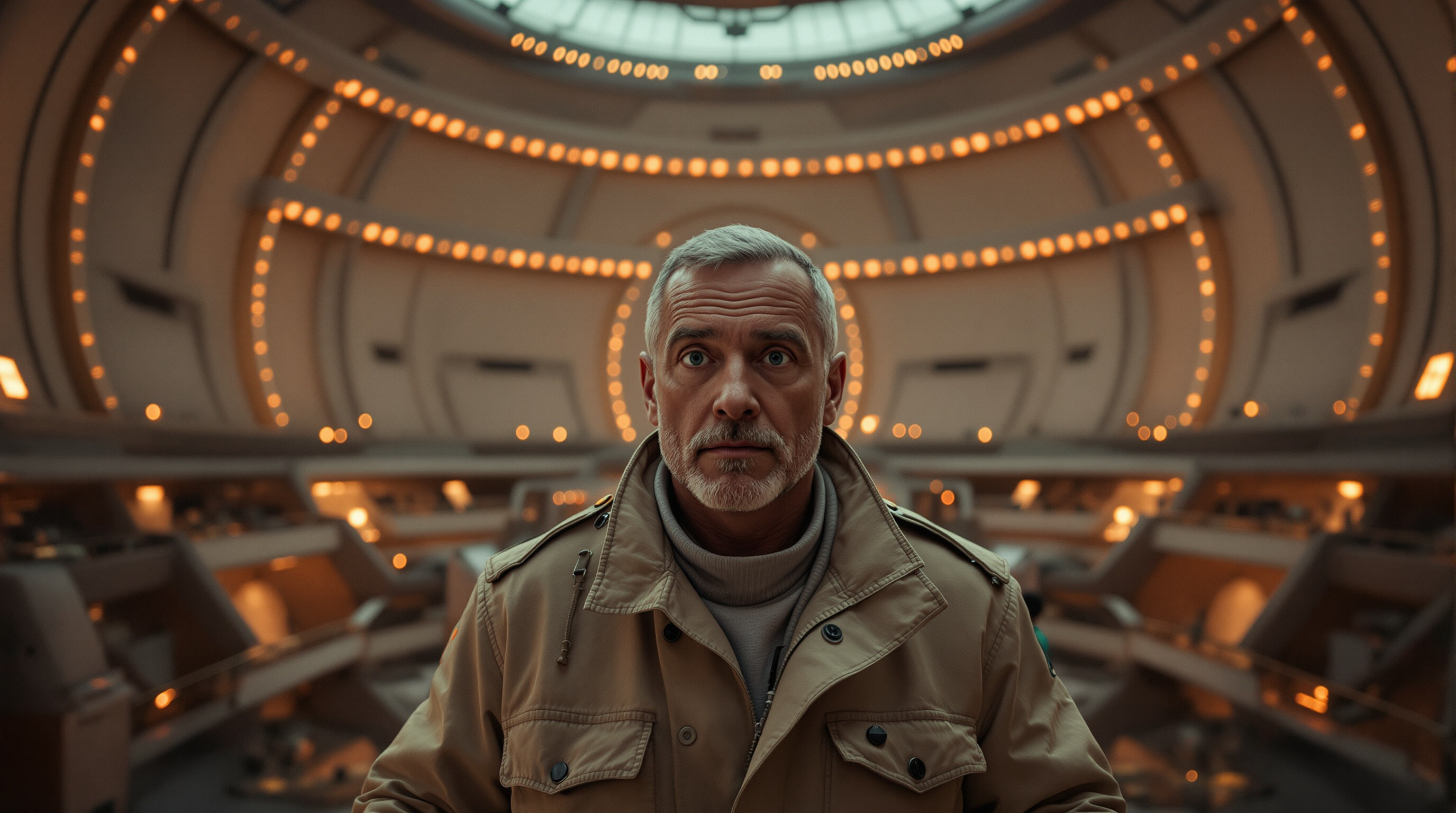
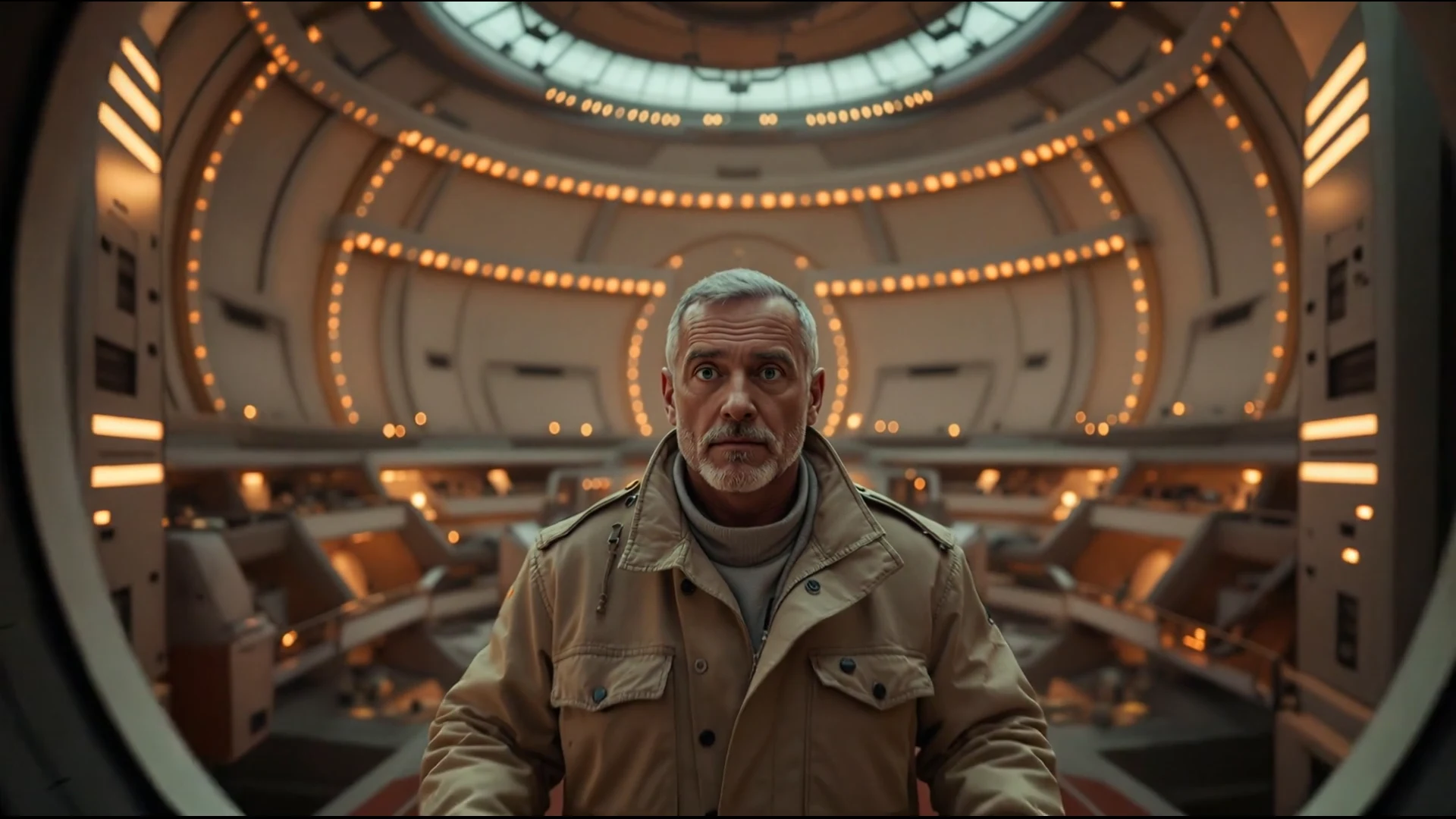
Crash Zoom Out to Reveal the Space
Clear matchCamera instruction: extreme close-up snaps out to reveal the entire airlock and corridor
Observed: The astronomer moves from a tight dominant frame to a distant centered figure as the long observatory corridor opens up. The scale change and landing are immediately readable.
Inspect prompt, settings, and corrections →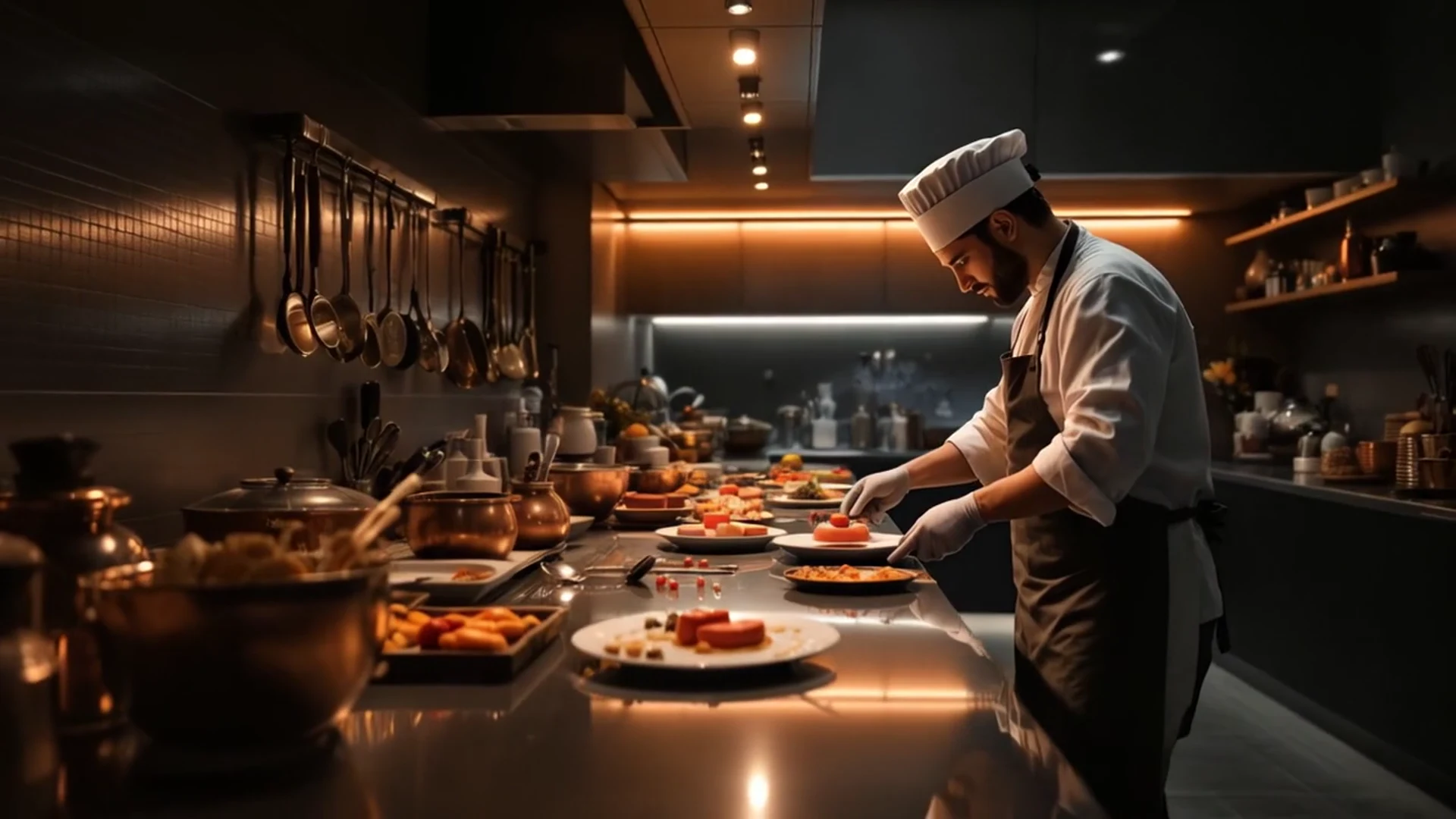
Left Pan Along a Night Kitchen Counter
Clear matchCamera instruction: camera rotates left across the market with a level horizon
Observed: The chef slides toward the right edge of frame while more counter, copper pans and plated dishes enter from the left. The horizon stays level and the kitchen reveal stays continuous.
Inspect prompt, settings, and corrections →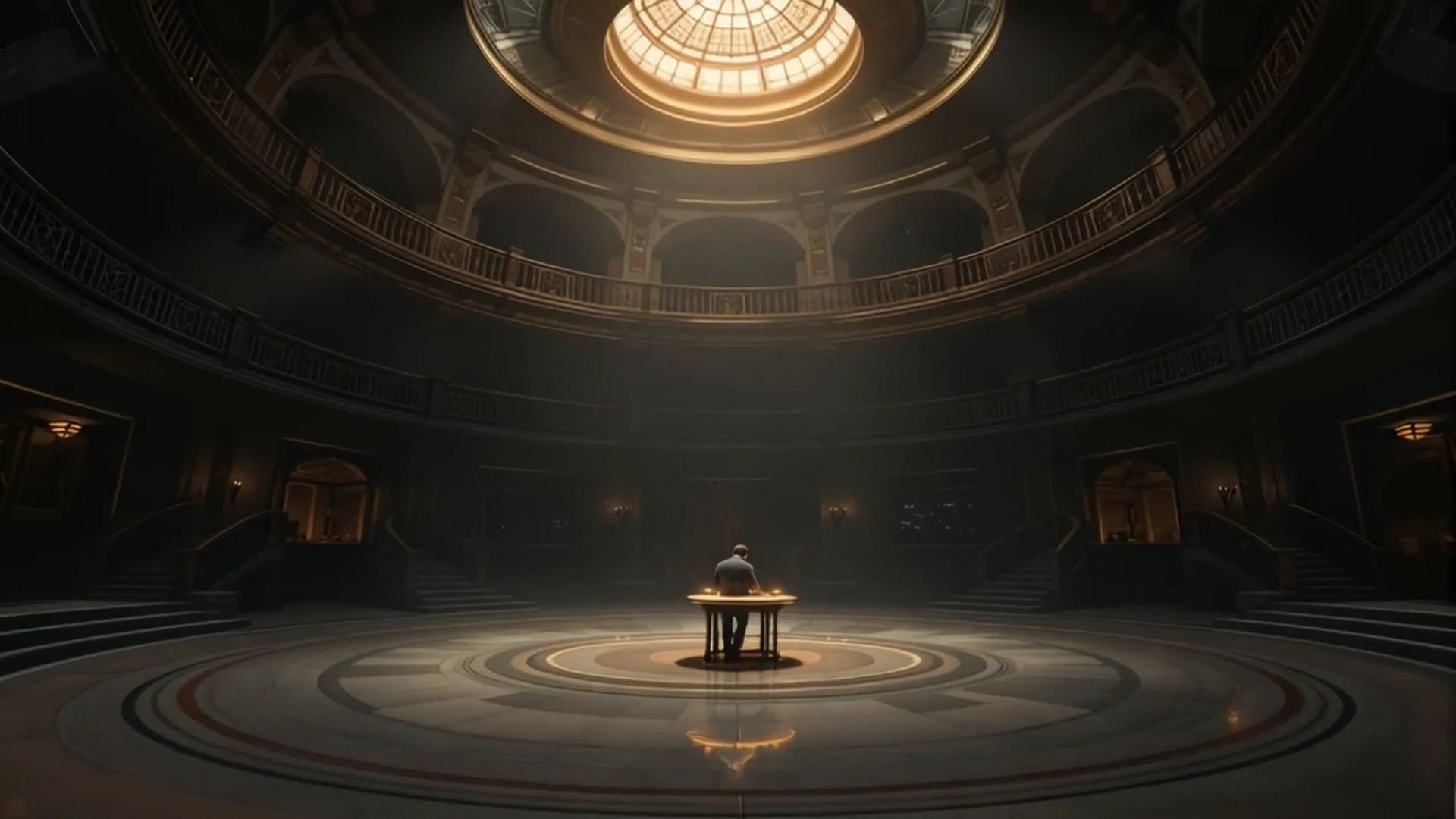
Crane Down Into a Watchmaker's Rotunda
Clear matchCamera instruction: camera descends vertically from high angle toward eye level
Observed: The view starts under the lit dome and descends past the balcony rings until the patterned floor and the watchmaker's bench fill the frame. Elevation change and scale growth are both clearly visible.
Inspect prompt, settings, and corrections →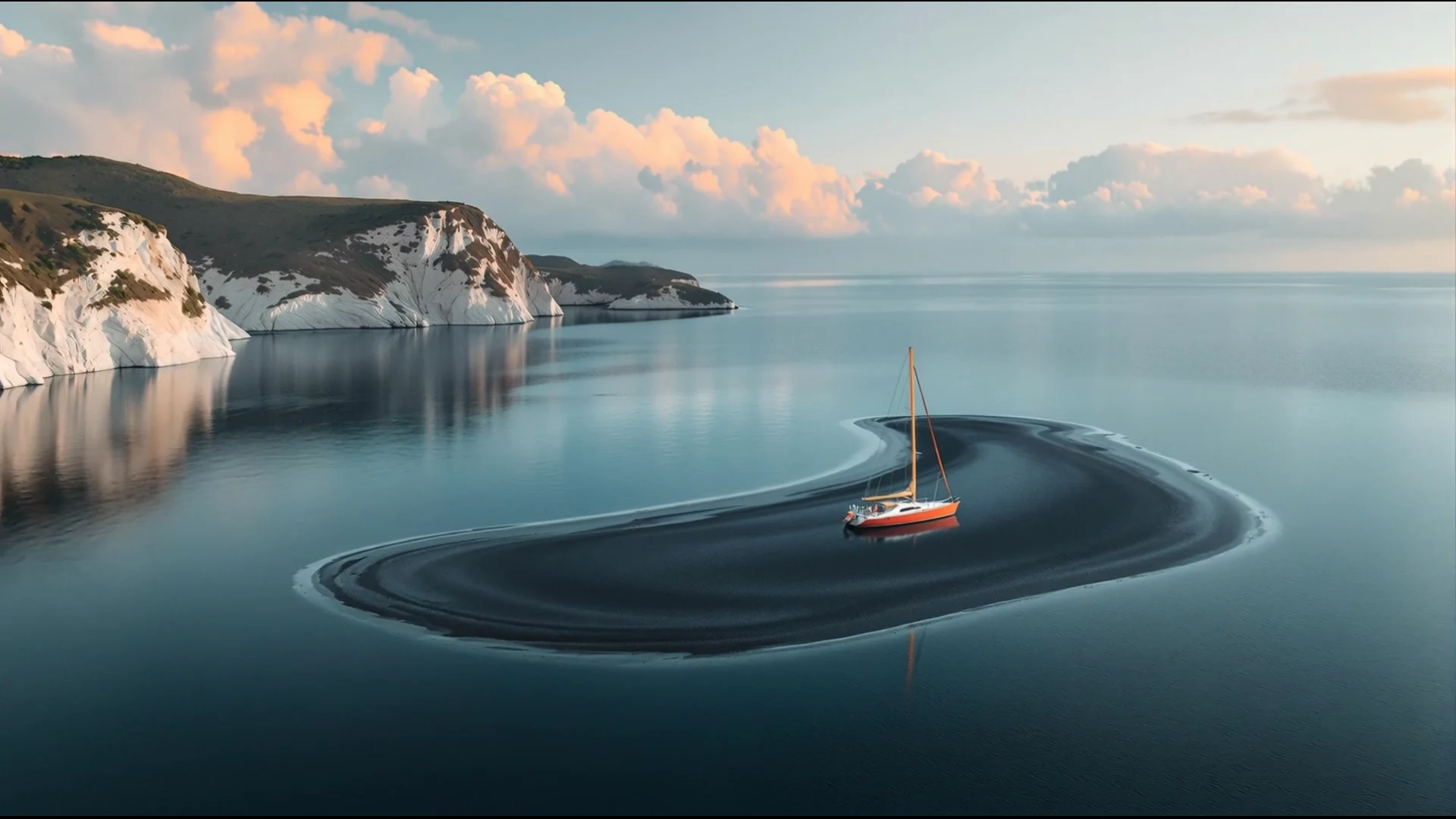
Aerial Drone Pullback Reveal
Clear matchCamera instruction: drone retreats backward and upward into a huge landscape reveal
Observed: The sailboat and island recede as the view opens across still water to a long line of pale cliffs. Both the backward travel and the expanding landscape are obvious.
Inspect prompt, settings, and corrections →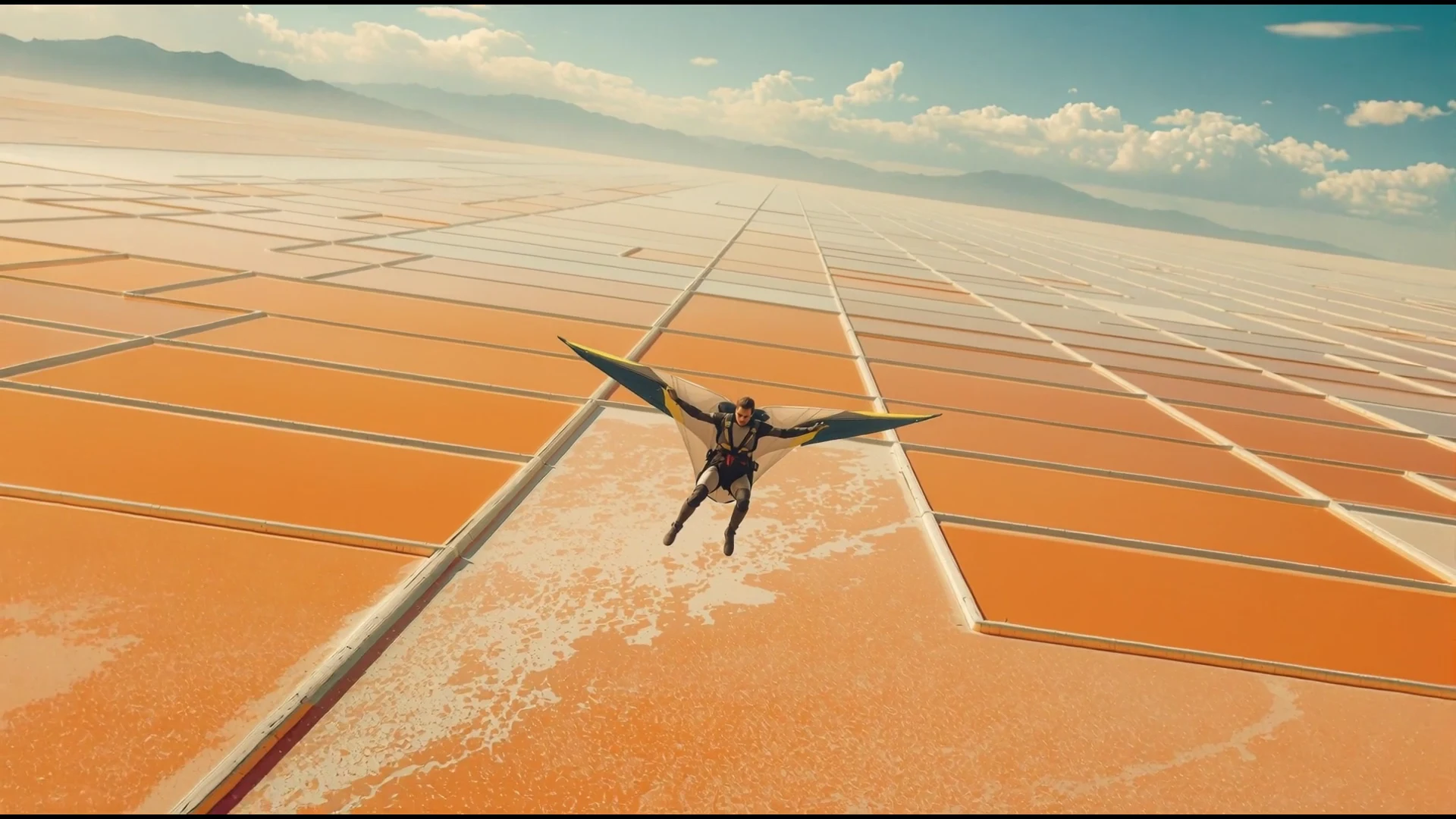
360-Degree Camera Roll Around a Wingsuit Flyer
Clear matchCamera instruction: camera completes one full axial roll while subject stays centered
Observed: The salt-pond horizon rolls continuously around the centered wingsuit flyer, passing through sideways and upside-down orientations without a cut.
Inspect prompt, settings, and corrections →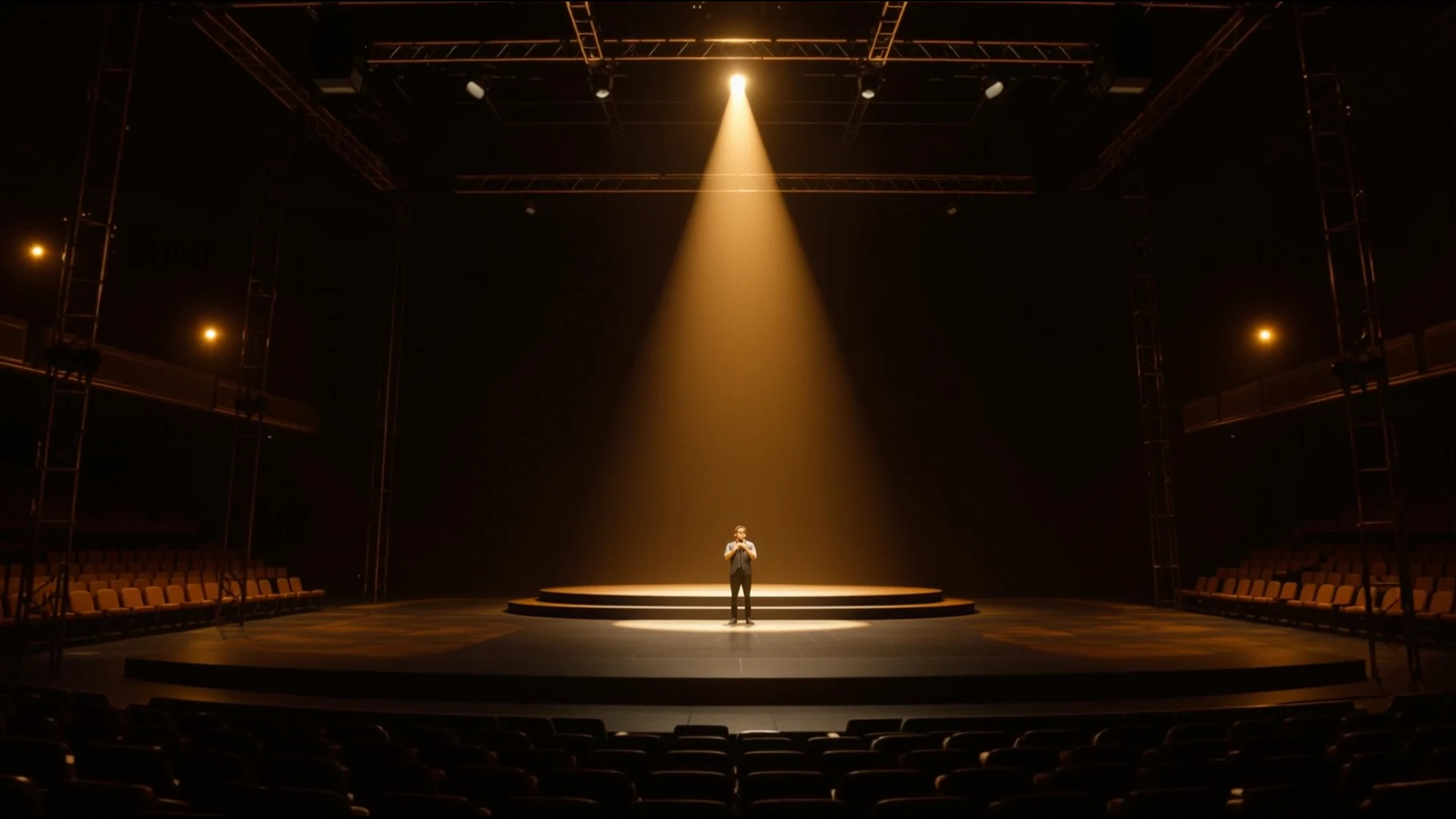
Rapid Zoom In on a Stage Performer
Clear matchCamera instruction: fast clean zoom into the singer without overshoot or wobble
Observed: The performer grows steadily from a distant silhouette to a dominant centered figure. The move is continuous, fast, and free of lateral drift.
Inspect prompt, settings, and corrections →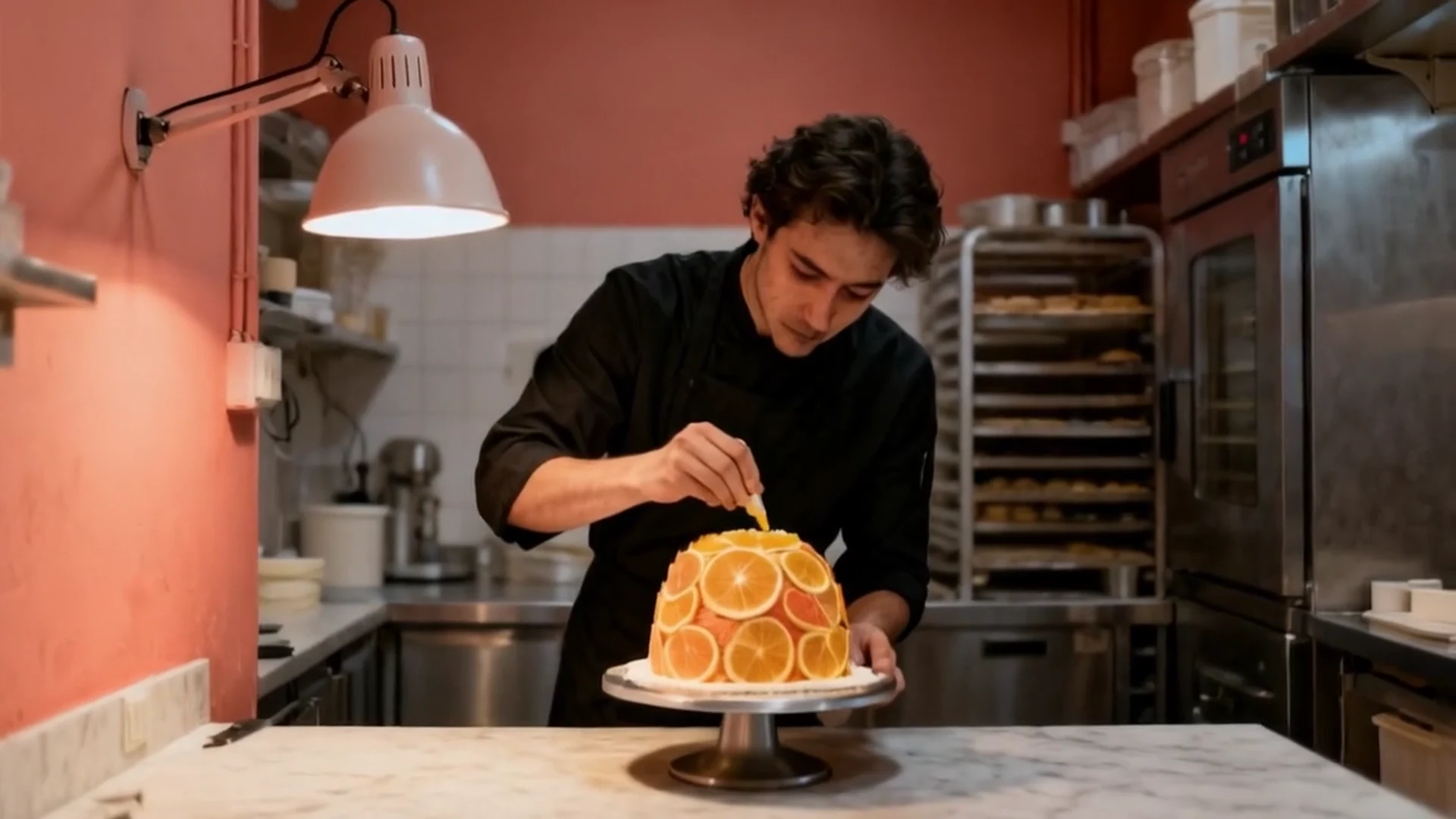
Restrained Handheld Camera Movement
Clear matchCamera instruction: natural shoulder-mounted documentary camera with clearly visible but restrained breathing sway and irregular one-to-two-pixel micro-corrections throughout, no deliberate pan or zoom, subject remains still and composition remains readable
Observed: The camera carries a restrained operator texture. The pendant lamp and counter edge show the live handheld while the baker stays readable and the horizon stays level.
Inspect prompt, settings, and corrections →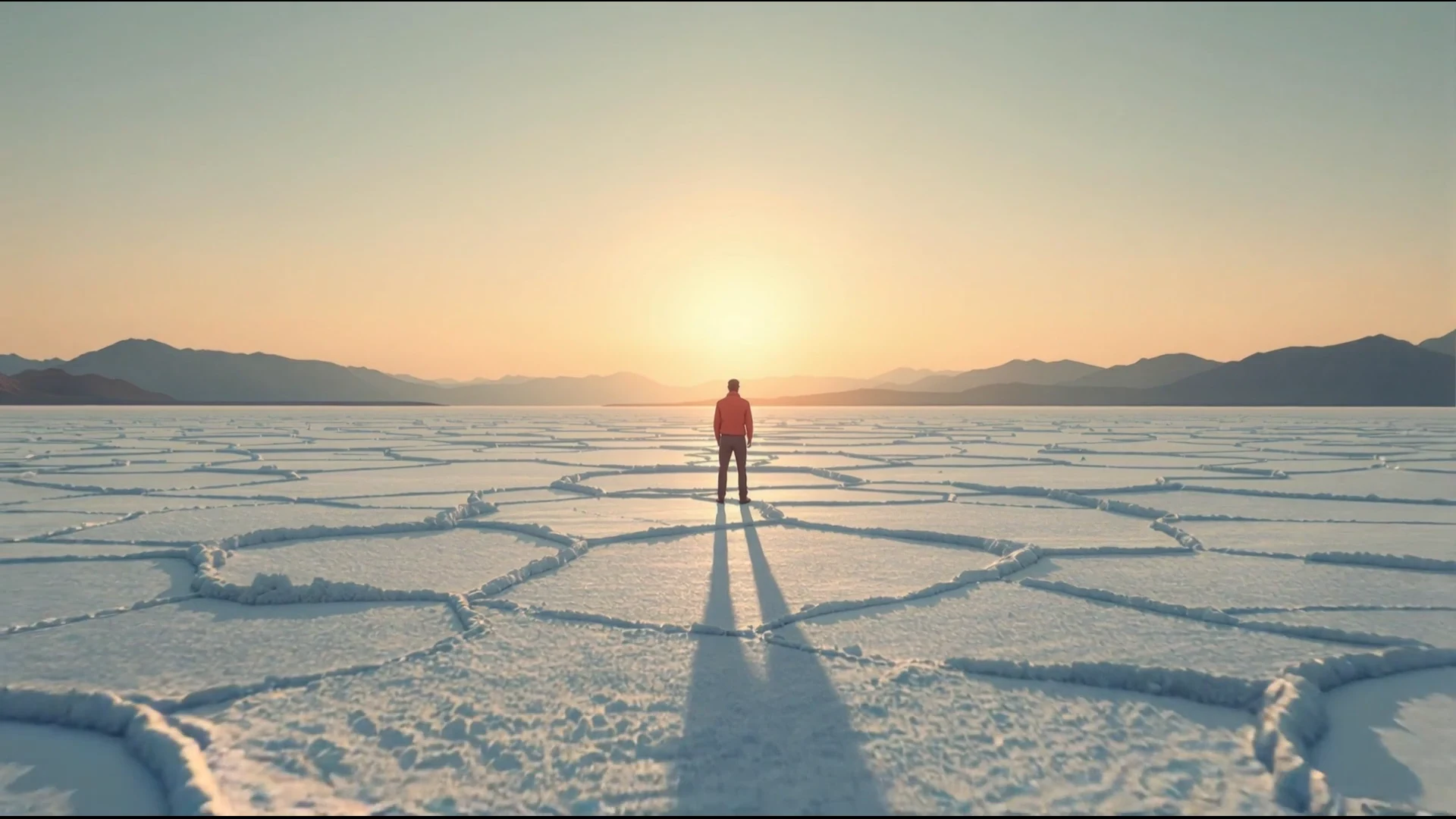
Earth Zoom Out From Ground to Planet
Clear matchCamera instruction: continuous pullback rises through atmosphere to reveal planet Earth
Observed: The frame expands from the surveyor on the salt flat through clouds and atmosphere to a complete planetary view. The sequence communicates a dramatic, continuous change in scale.
Inspect prompt, settings, and corrections →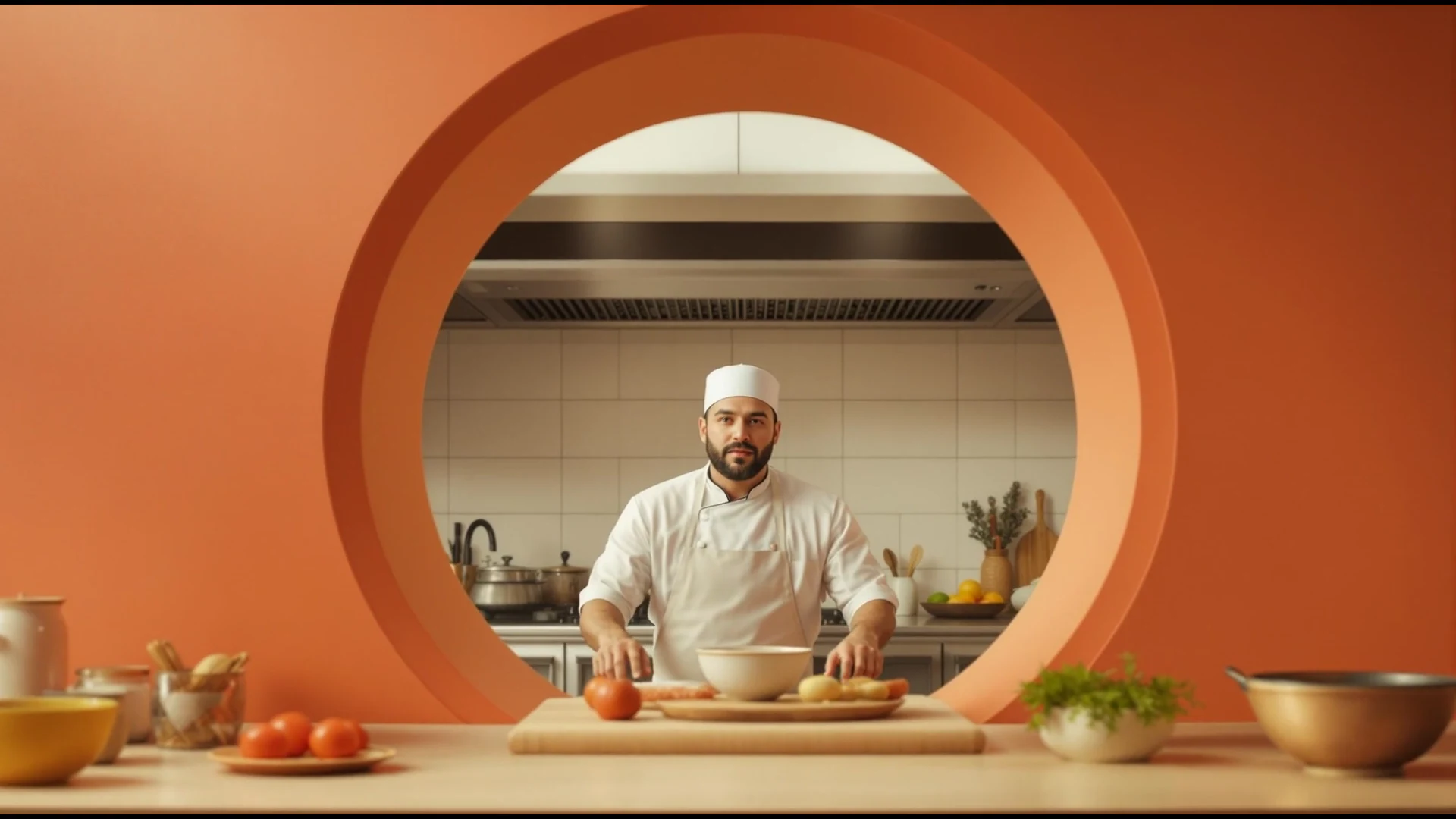
Push Through a Circular Foreground Opening
Clear matchCamera instruction: camera passes through the hatch from dining room into kitchen
Observed: The circular service opening expands around the frame as the camera crosses it and continues toward the chef. The threshold and forward travel remain coherent.
Inspect prompt, settings, and corrections →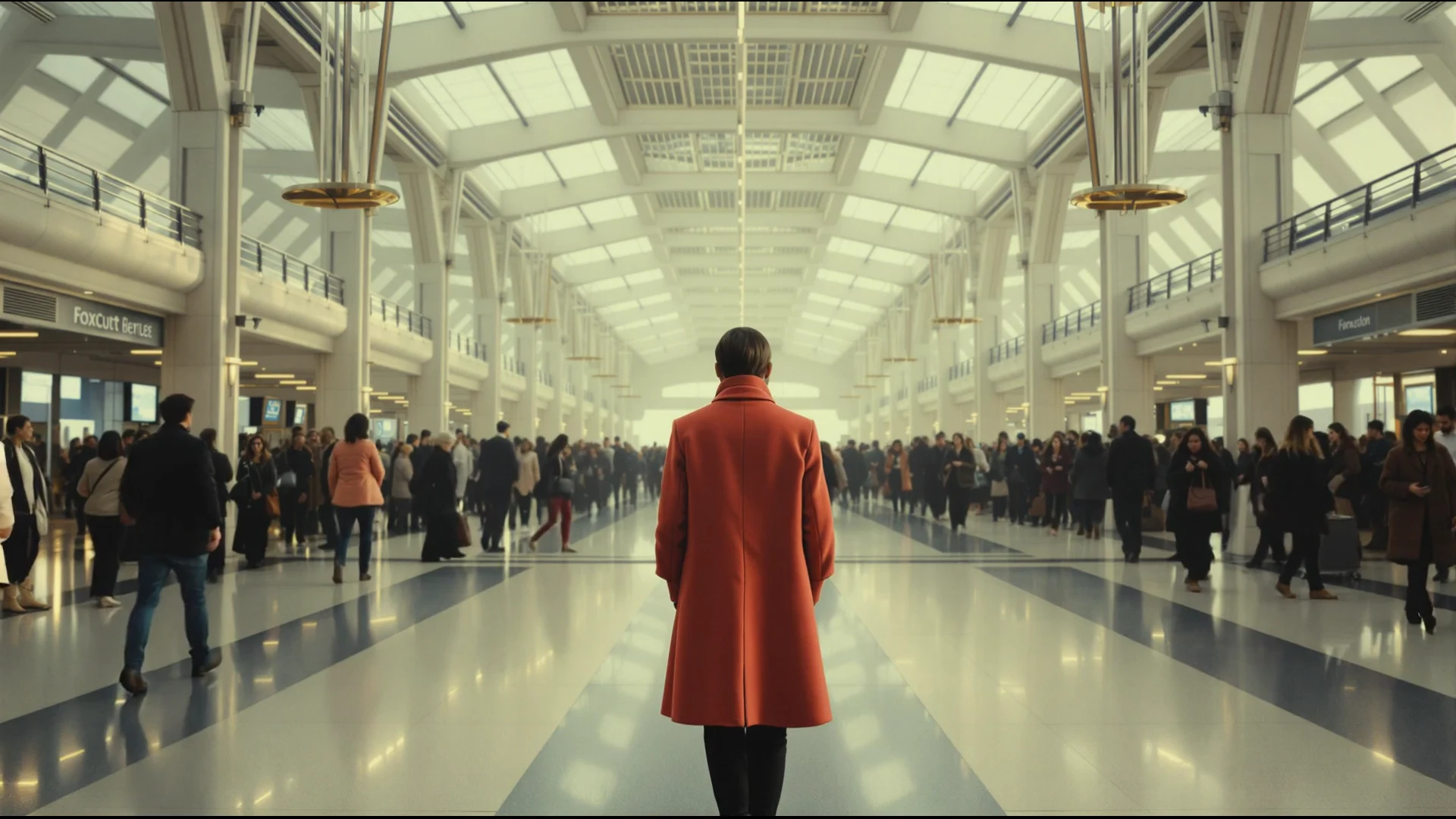
Human Timelapse With a Locked Subject
Clear matchCamera instruction: subject stays nearly still while crowds become accelerated streaks
Observed: The figure in the coral coat stays centered and recognizable while travelers stream past on both sides. The concourse architecture and the camera stay locked.
Inspect prompt, settings, and corrections →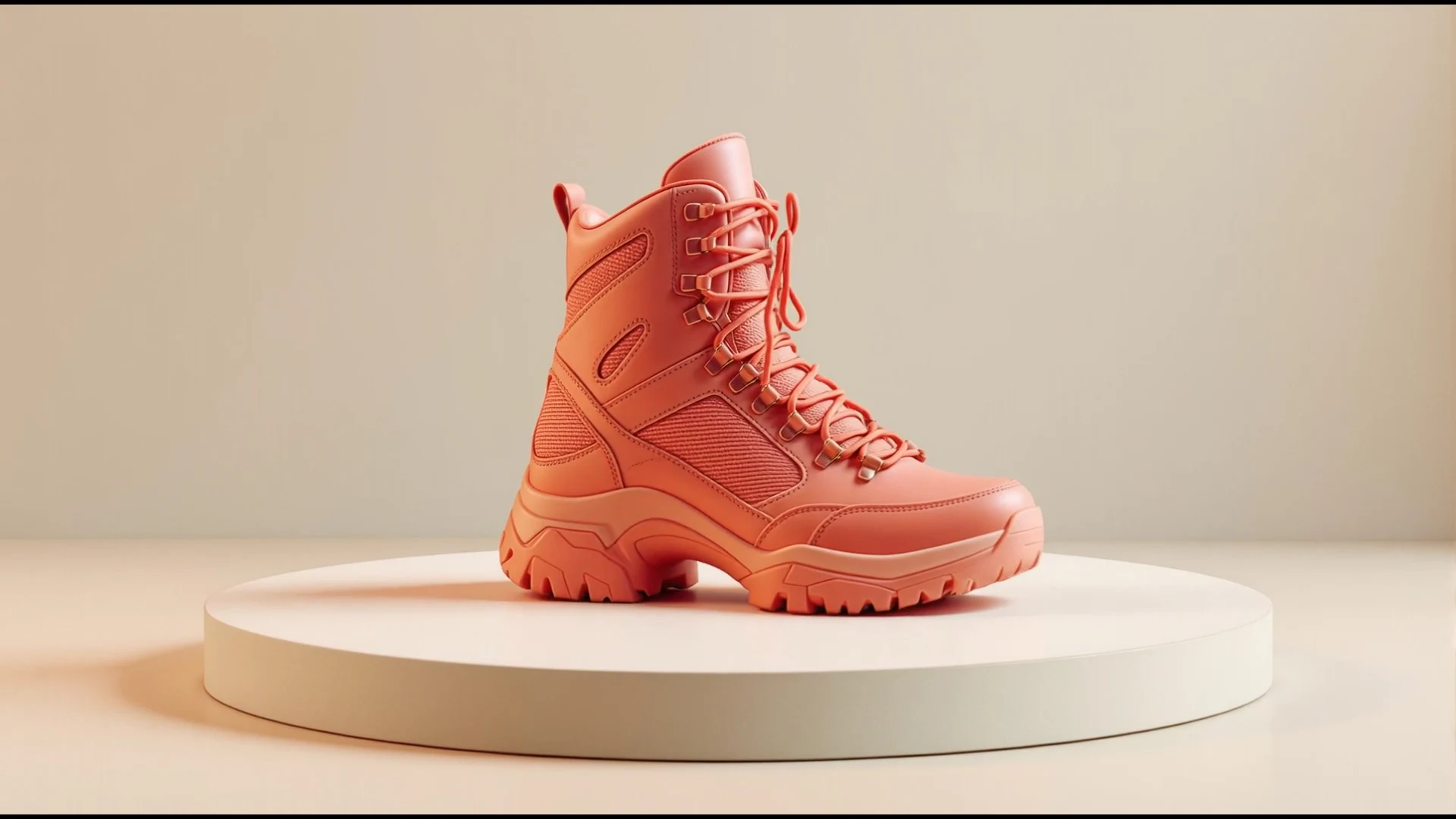
Locked-Camera Product Turntable
Clear matchCamera instruction: product rotates one clean turn while camera and background remain locked
Observed: The hiking boot turns from side profile through front on the plinth. Camera, lighting, and studio stay locked, so you get a product rotation, not a camera move.
Inspect prompt, settings, and corrections →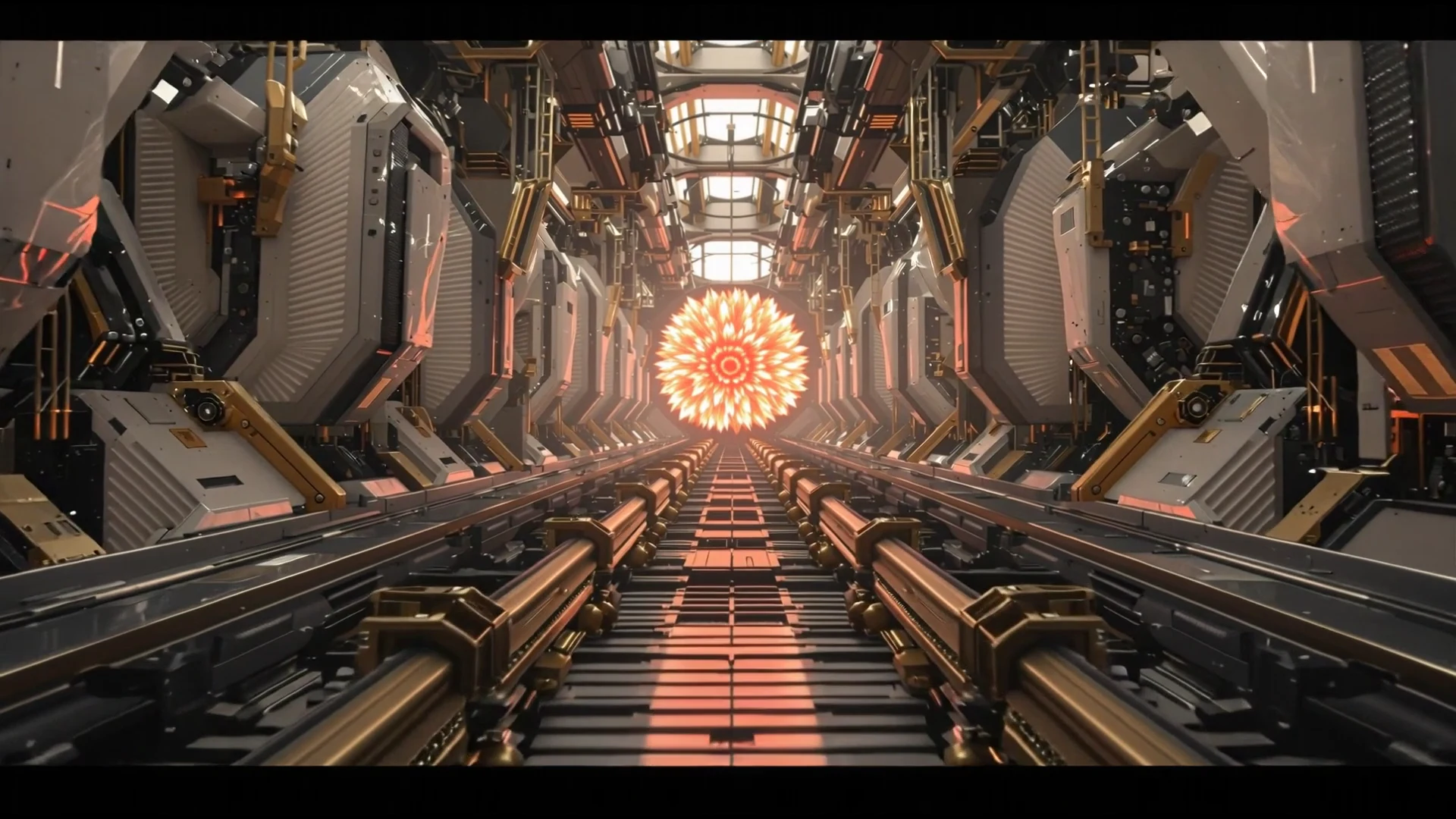
Dolly In Toward the Subject
Clear matchCamera instruction: camera physically advances straight forward at eye level in one continuous five-second take; the red clock grows continuously by at least 1.6 times while foreground shelf edges and gears sweep outward much faster than distant shelf lines, creating very strong near-to-far parallax; no optical zoom; level horizon; clock remains stationary, identical, and locked to center
Observed: The camera travels forward toward the subject. Foreground shears and the landing grows in frame, so you get a physical dolly, not a zoom.
Inspect prompt, settings, and corrections →Clear in this set
What successful prompts made measurable.
- Crash Zoom Out to Reveal the Space: The astronomer moves from a tight dominant frame to a distant centered figure as the long observatory corridor opens up. The scale change and landing are immediately readable.
- Left Pan Along a Night Kitchen Counter: The chef slides toward the right edge of frame while more counter, copper pans and plated dishes enter from the left. The horizon stays level and the kitchen reveal stays continuous.
- Crane Down Into a Watchmaker's Rotunda: The view starts under the lit dome and descends past the balcony rings until the patterned floor and the watchmaker's bench fill the frame. Elevation change and scale growth are both clearly visible.
- Aerial Drone Pullback Reveal: The sailboat and island recede as the view opens across still water to a long line of pale cliffs. Both the backward travel and the expanding landscape are obvious.
- 360-Degree Camera Roll Around a Wingsuit Flyer: The salt-pond horizon rolls continuously around the centered wingsuit flyer, passing through sideways and upside-down orientations without a cut.
- Rapid Zoom In on a Stage Performer: The performer grows steadily from a distant silhouette to a dominant centered figure. The move is continuous, fast, and free of lateral drift.
- Restrained Handheld Camera Movement: The camera carries a restrained operator texture. The pendant lamp and counter edge show the live handheld while the baker stays readable and the horizon stays level.
- Earth Zoom Out From Ground to Planet: The frame expands from the surveyor on the salt flat through clouds and atmosphere to a complete planetary view. The sequence communicates a dramatic, continuous change in scale.
- Push Through a Circular Foreground Opening: The circular service opening expands around the frame as the camera crosses it and continues toward the chef. The threshold and forward travel remain coherent.
- Human Timelapse With a Locked Subject: The figure in the coral coat stays centered and recognizable while travelers stream past on both sides. The concourse architecture and the camera stay locked.
- Locked-Camera Product Turntable: The hiking boot turns from side profile through front on the plinth. Camera, lighting, and studio stay locked, so you get a product rotation, not a camera move.
- Dolly In Toward the Subject: The camera travels forward toward the subject. Foreground shears and the landing grows in frame, so you get a physical dolly, not a zoom.
Constrained in this set
Why one output never proves a route.
A limited or mixed result is still useful evidence: it identifies the nearest failure and gives the next run one variable to change.